Tuesday, November 09, 2021
Thursday, February 18, 2021
Sunday, July 28, 2019
Friday, March 08, 2019
Wednesday, October 10, 2018
Saturday, August 25, 2018
HOW DO i FIX ERROR - 2100F
If your Mac starts up to a flashing question mark, but then doesn't continue starting up, try these steps.
1. Turn off your Mac by pressing and holding the power button for a few seconds.
2.Press the power button once to turn your Mac back on. Immediately press and hold the Command and R keys on your keyboard to start your Mac from macOS Recovery. Keep these two keys held down until you see an Apple logo or globe.
3. If prompted, select a Wi-Fi network to connect to the Internet as part of startup.
4. After the macOS Utilities window appears, choose Startup Disk from the Apple menu.
5. Select your startup disk, then click Restart.
If you don't see your startup disk in the Startup Disk window, close the window and try the next sections of this article.
Credit to Apple Community Specialist.
Sunday, August 12, 2018
Thursday, July 12, 2018
Wednesday, March 07, 2018
2018 - Recived More Donation from Mintz Levin.
Hi Wube,
We have another batch of desktops and want to know if you are interested in them. Please let me know in the next couple of days if you would like them or not.
143 - HP 6300
2 – HP 6000
Friday, June 02, 2017
Thursday, March 16, 2017
How To Fix Codero Subscreption issue
- Hello,
The instructions are in the post itself that I provided above, however I will retype them below so hopefully they make a little more sense.
1) Log into your Plesk control panel as root or admin.
2) On the left hand side column, click on "Subscriptions".
3) Find a domain name in the list that you are needing to fix and click on the domain name itself (do not click on "Manage in customer Panel". Click on the domain name itself, under the "Subscription" column).
4) Once the next page loads, you should see a column on the far right hand side. The top options in that column will be "Backup Manager", then "Databases", then "Scheduled Tasks", then "Wordrpess". Underneath that is a box labeled "Hosting", and then underneath that is a box labeled "Account". The "Account" box is the box we are looking for.
5) In the "Account" box click on "Customize".
6) At the bottom of the page there will be an "Expiration Date". You would want to either change the date to a date in the future, OR if you do not want the domain to suspend like it is now due to the expiration date then you can click "Unlimited" next to it.
7) After you change the date or click "Unlimited" then you would click "Apply" at the bottom of the page.
8) Next click on "Subscriptions" on the left hand side again.
9) Find the name of the subscription you just changed and click the check box next to it.
10) At the top of the page under the "Subscription" title, there should be some buttons, click on "Change Status".
11) Click "Activate" from the drop down menu. This should reactivate the domain.
Best Regards,
Keri Sartain
Codero Customer Care
Saturday, February 18, 2017
Wednesday, November 30, 2016
Friday, August 19, 2016
WINDOWS SERVER 12 VS. UBUNTU SERVER 16.04
First download and run update:
sudo apt-get update
sudo apt-get install ubuntu-desktop
You can also install WEBMIN.
sudo nano /etc/apt/sources.list.d/webmin.list
Save the file using CTRL & x
To add use the command line
sudo apt-key add Cameron-key.asc.
Then update using the command line
sudo apt-get update
UBUNTU SERVER 16.04 - by default no GUI.
Updating with UBUNTU DESKTOP will give you few user interface menu.
WINDOWS SERVER 12 - comes loaded with all recommended operating system.
All the above can be downloaded for free. Windows server 2012 free for 180 days to teach your self .
Wednesday, May 25, 2016
Wednesday, May 04, 2016
2016 Donated Computers
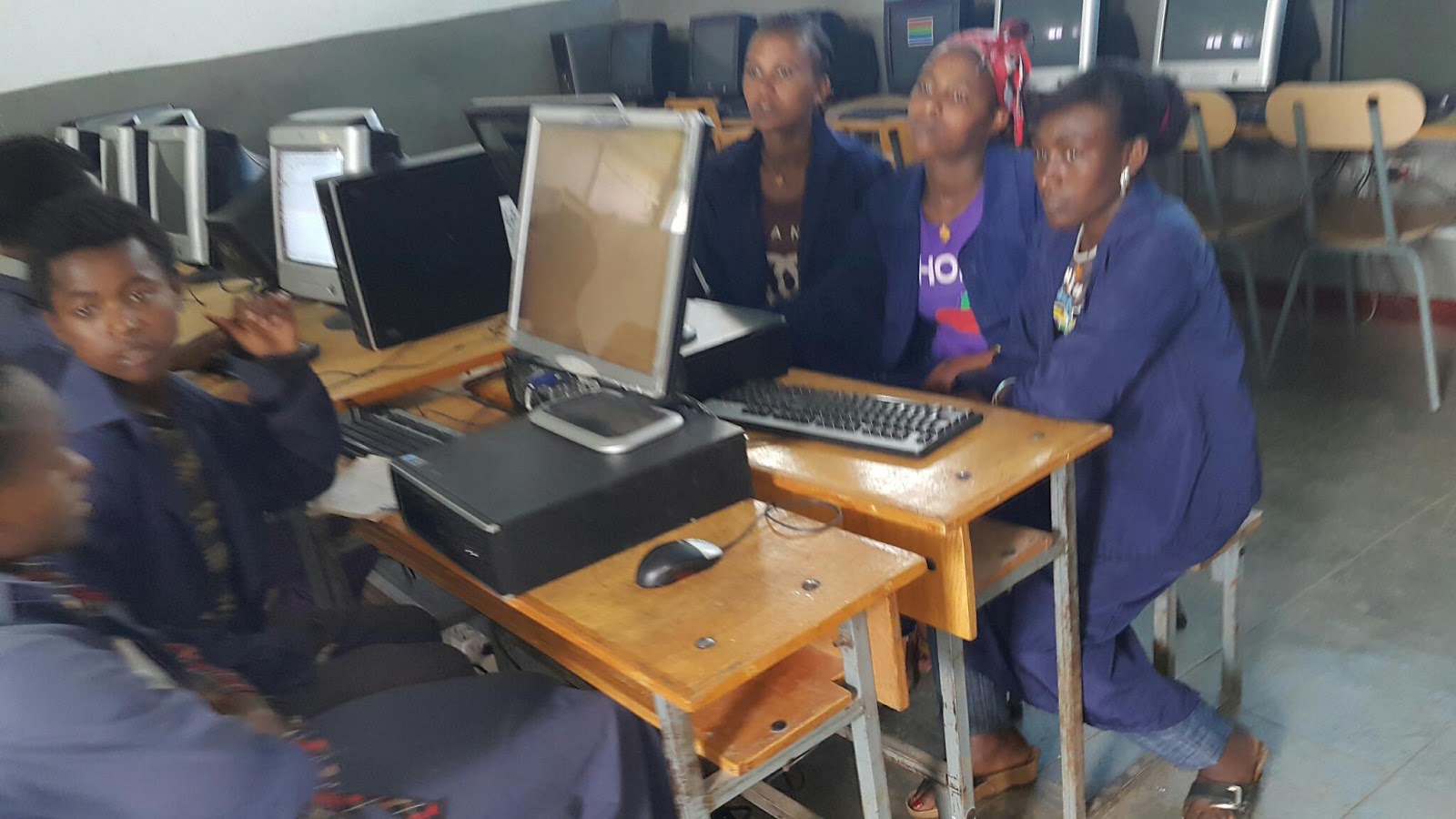
2016 - Donated computers reached country side school called GONDE. To reach there, we drove through beautiful sceneries in ARSI ZONE - OROMIA Region.